
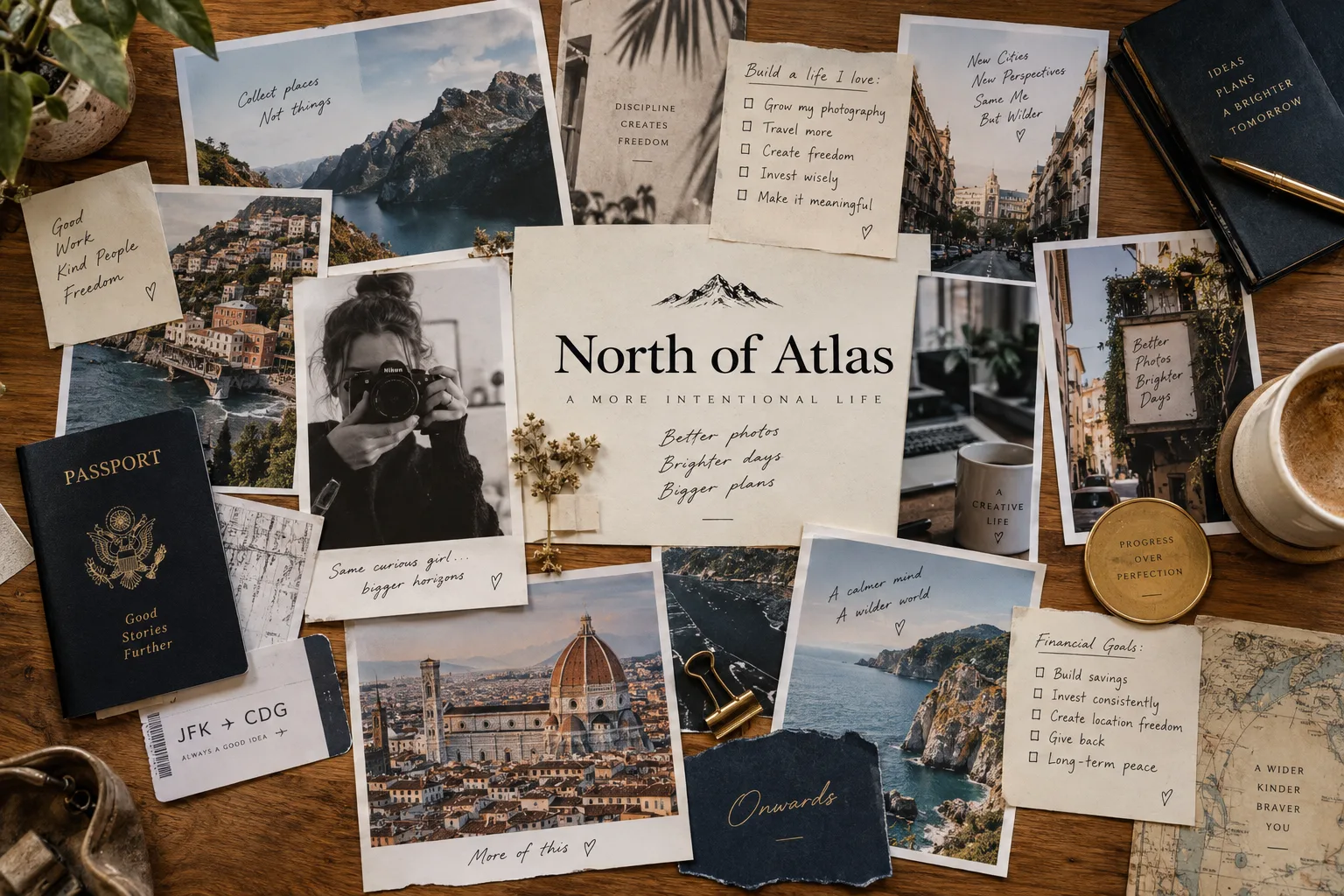
Choose a direction
Pick a few areas of life you want to give more attention to. You might focus on work, health, and time with people you love. You do not have to cover everything.
Ask: What would I like an ordinary day to feel like? That can be an easier starting point than a list of big achievements.
Find pictures with meaning
Choose images that mean something to you: your own photo, a place you want to visit, or a detail of a home you can picture living in. Upload a file or paste an image link.
Use images you have permission to use. If a photo adds nothing, make a words-only card.
Write a specific line
Give each image a short intention. Write it in language you can believe and connect to an action. Present tense is one option, not a requirement.
“I make time for a walk after work.”
A sentence like this gives you something to return to and something to do. If a grand statement feels false, make it smaller and more practical.
Give each card room
Start with around six cards if that feels manageable. There is no scientifically established perfect number. You can add up to 30 here, but you do not need to fill every space.
Arrange the cards in an order that makes sense to you. Use categories when you want to focus on one part of life.
Return for one minute
Attach the board to an existing routine, such as your first coffee. Open Daily focus to sit with one card for 60 seconds. Follow the breathing cue if it is comfortable, or breathe naturally.
Before you leave, ask: What is one small step I can take toward this? Looking at a goal is a prompt for action, not a substitute for it.
Update it and keep a copy
Edit a card when your priorities change. Mark a goal achieved when it happens. Keep the achievement on your board as a record, or make room for a new direction.
Choose Poster & print to make a paper copy. Use More → Save a backup to protect your editable board or move it to another device. A PDF is a poster; a backup file restores the editable cards.
Paper or digital?
Paper stays visible in your room. Digital makes editing easier. You can use both: build and update your board here, then print a fresh copy whenever it changes.
Need a starting point? Explore vision board ideas by category or the 2027 planning guide.
Start with one thing that matters
Add a picture or a few words. You can change them whenever life changes.
Start your board