

MAKE ROOM
FOR WHAT’S
NEXT.
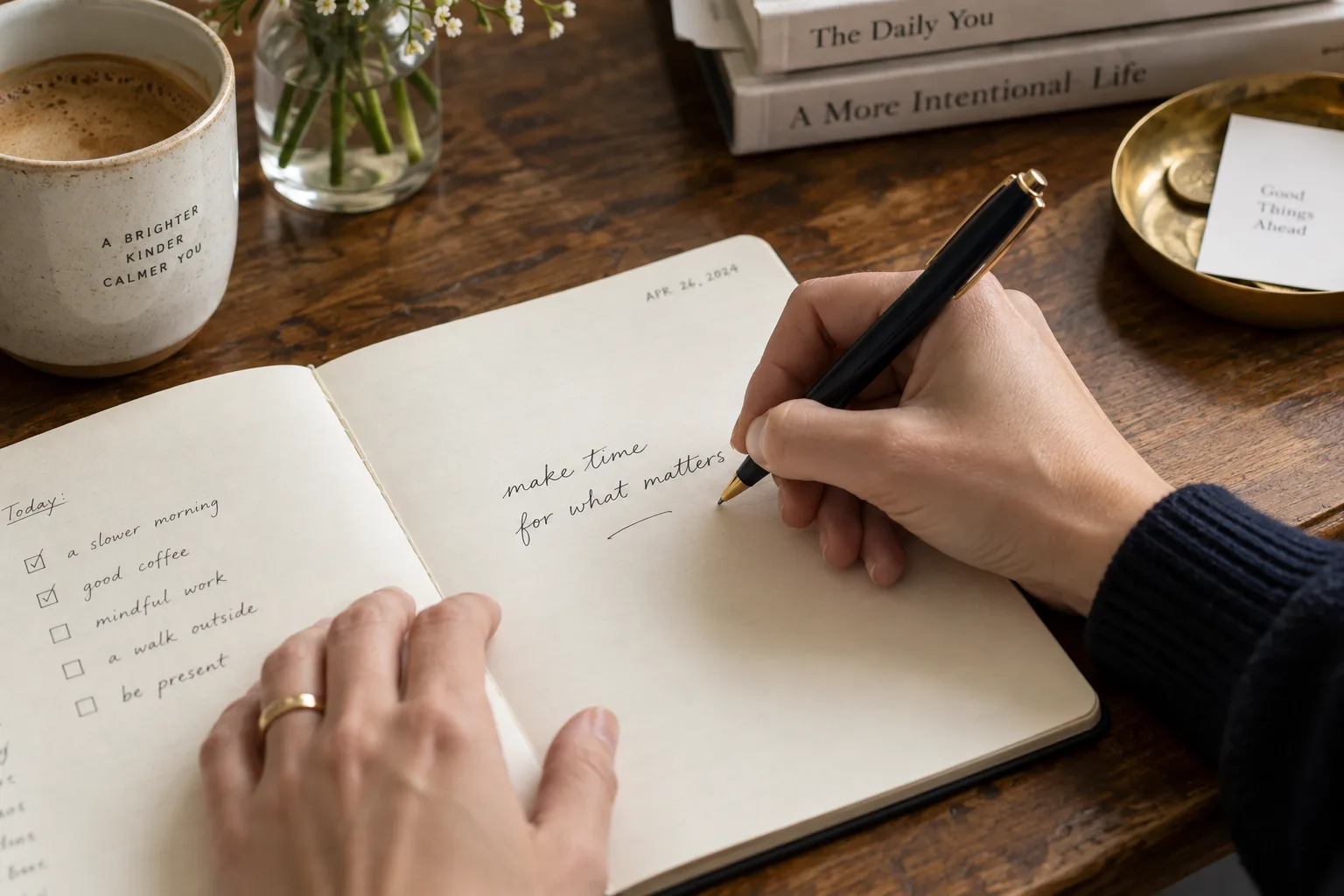
feels like me.A note to myself
Your free, private vision board.
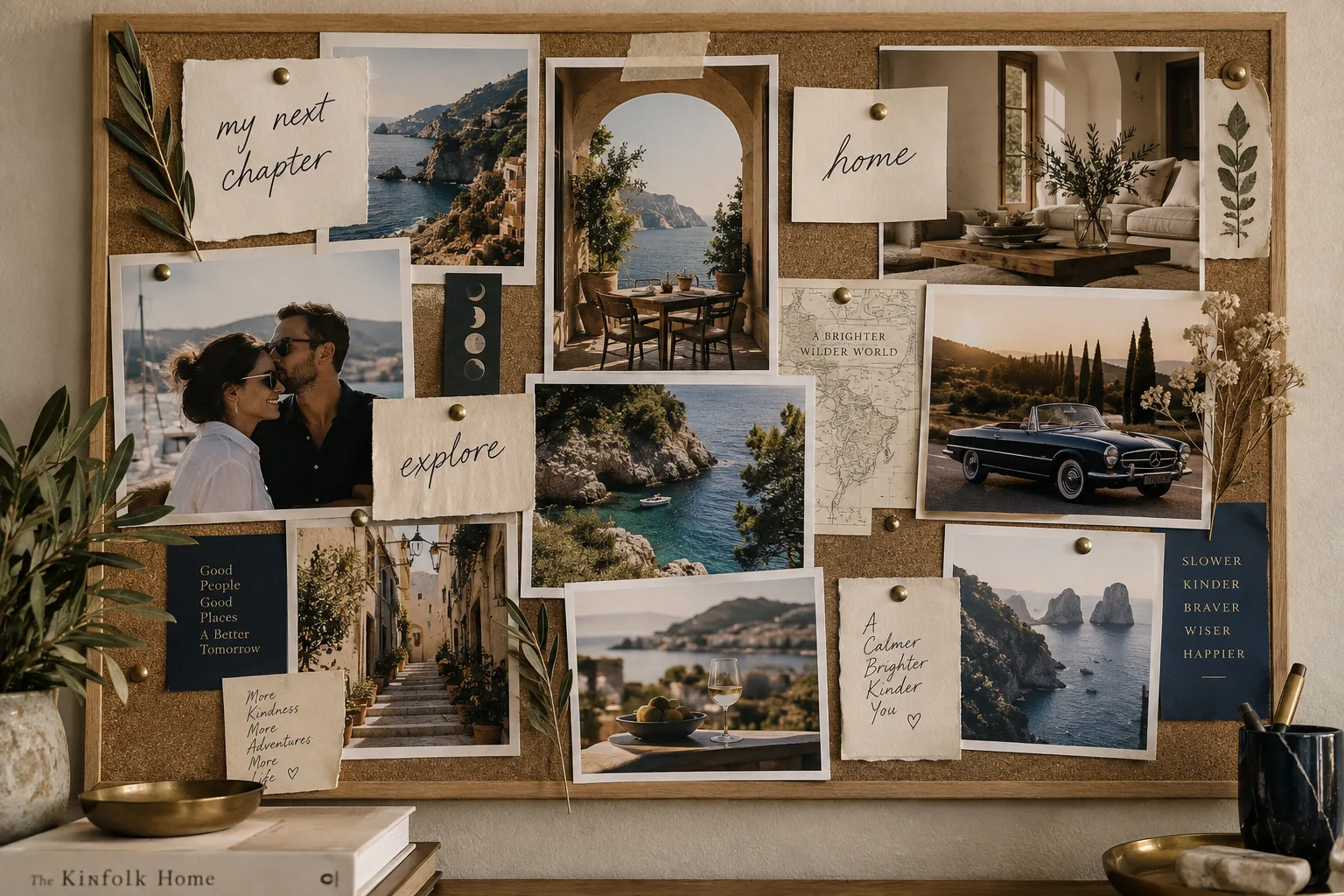
Gather your inspiration. Visualize your future.
Read the walkthrough
What would you like to make room for?
Pin a photo. Write yourself a note. Collect the places, people, and possibilities you want in your life.

I build a life
that feels
like mine.
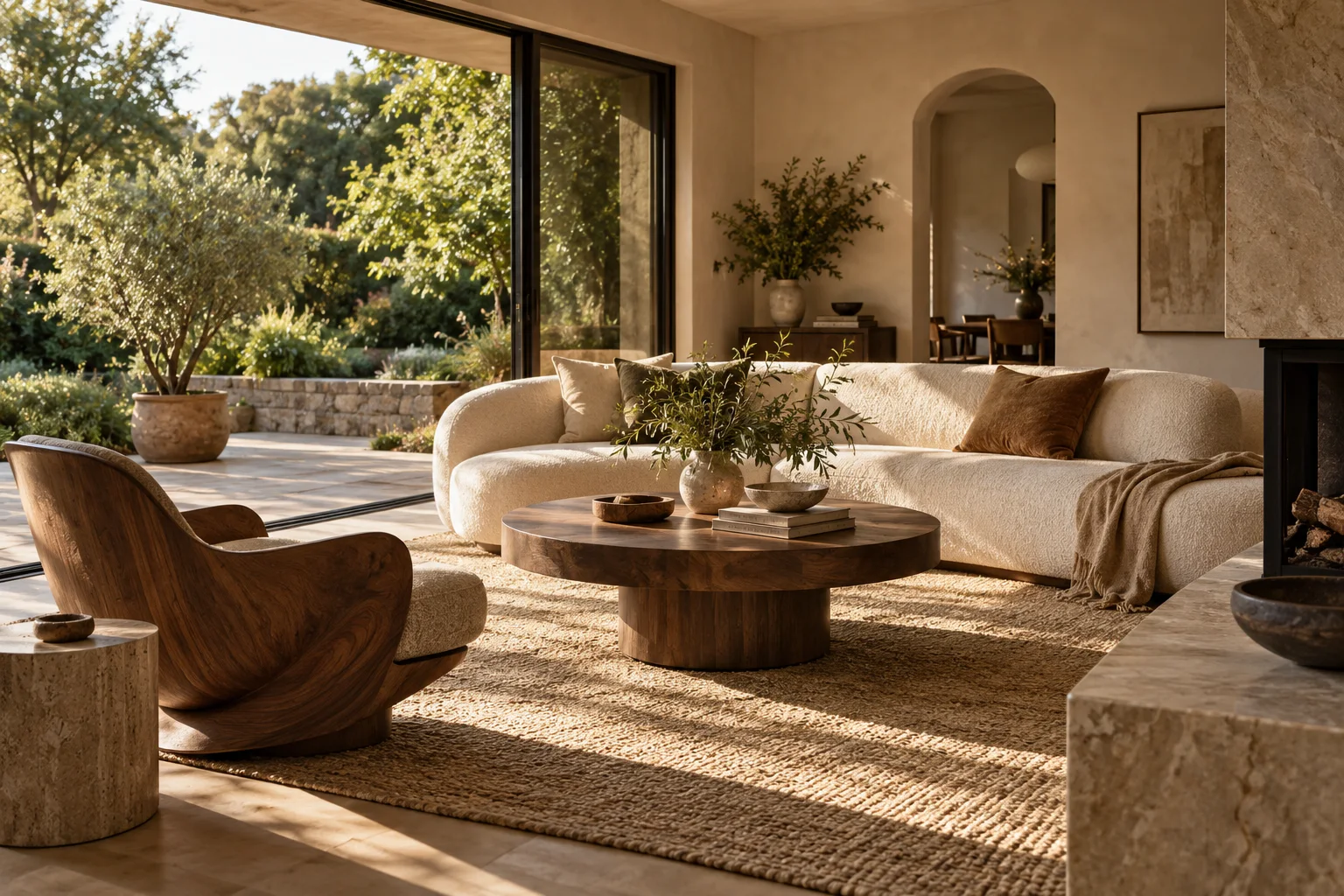
A few ideas to get you started · These examples aren’t saved to your board.
Moving from another device?
Saved in this browser. Keep a backup from the More menu; clearing browser data removes your board.
Ideas for your
first cards
The car. The creative work. A little more freedom. Collect the things that make your future feel real.
Browse vision board ideas

 Write it like
 it is already true
From one card
to a daily habit
Start with something real
A trip, a calmer morning, work you care about. Add a photo or let a few words be the whole card.
One card, one minute
Open Daily focus for a single intention and a gentle breathing cue. Then choose one small thing you can do.
Keep what still matters
Edit your intentions, mark goals achieved, or print a poster. Your board can grow with your life.
A moment to find your bearings
One card fills the screen. Breathe at your own pace, read your words, and bring your attention back to what matters.
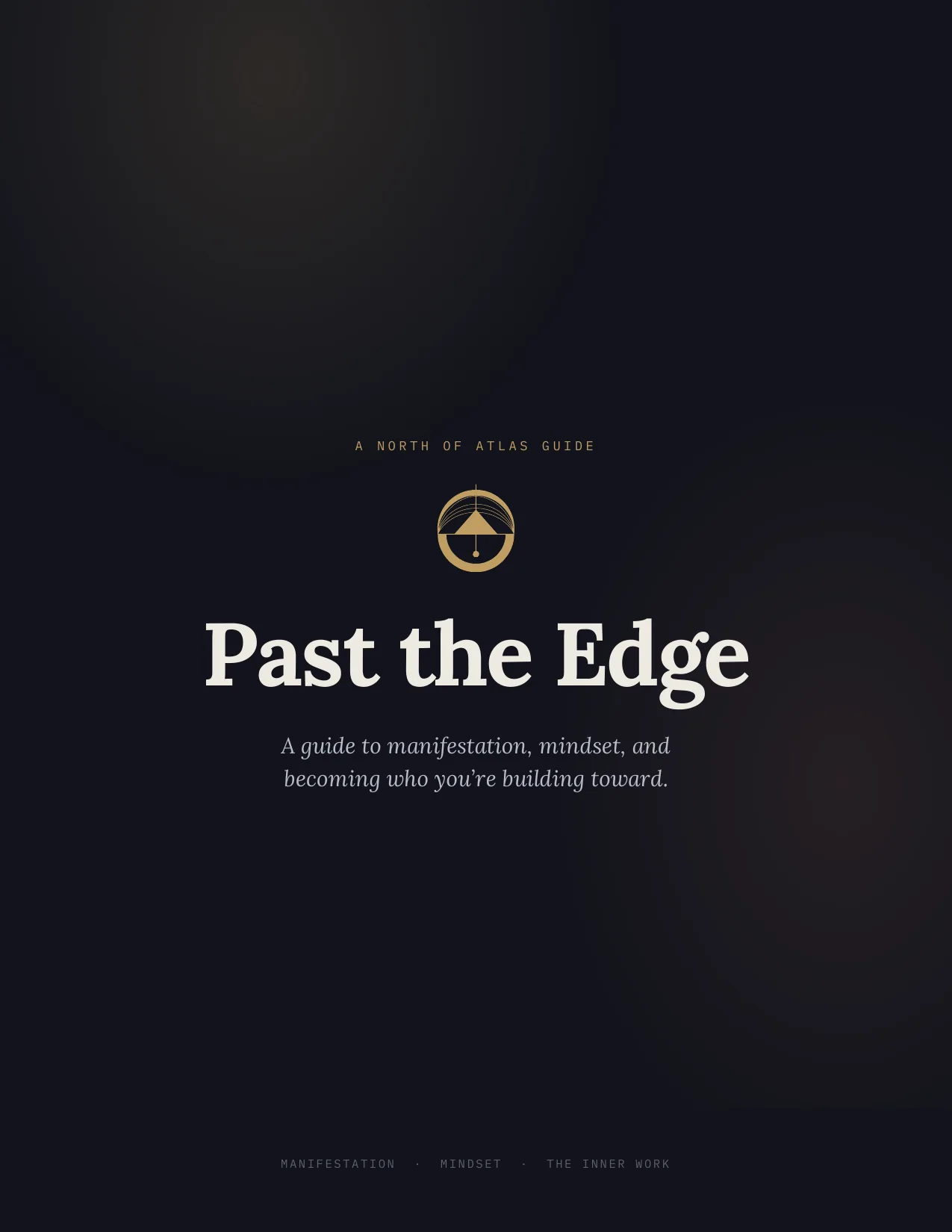
Past the Edge
A practical guide to manifestation, mindset, and meaningful action. Plain language, grounded claims, and exercises you can use. 47 illustrated pages, in PDF and EPUB.
Questions about
the board
Is the vision board free?
Yes. Create cards, use daily focus, export a share image, and print a PDF for free. The optional Past the Edge guide is a separate purchase.
Where is my board saved?
In this browser, on this device. We do not receive your cards or images. Clearing browser data can delete the board, so save a backup from the More menu.
Can I use it on another device?
Save a backup, move the file to the other device, and choose Restore from backup there. Boards do not automatically sync.
How do I print it?
Choose Poster & print, then Print or save as PDF. Select Save as PDF in your browser’s print dialog to keep a printable copy.
What should I put on a vision board?
Start with a few goals you care about. Use a personal photo or a words-only card, and write a specific line you can believe. Browse ideas for seven areas of life.
Will a vision board make my goals happen?
A board can help you revisit your priorities. It cannot guarantee an outcome. Use each card as a cue to decide on a small action you can take.